Find the hours that are reasonable for everybody.
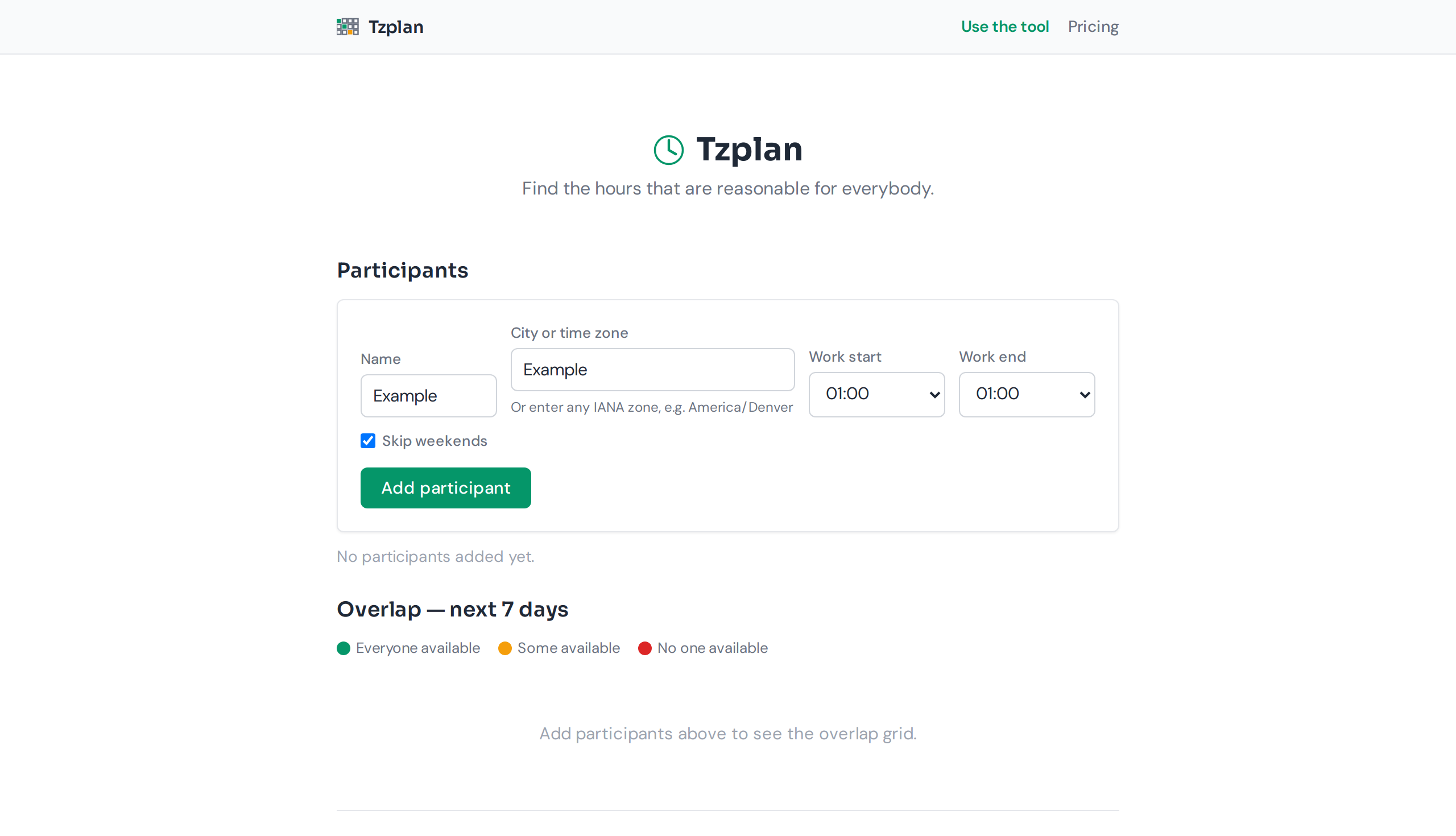
Add each person's city and working hours. Tzplan shows a grid of the next seven days with every hour marked — good for all, awkward for some (and for whom), or outside hours entirely. It flags daylight-saving transitions, because that is the one that breaks a recurring meeting weeks later.
How data flows through Tzplan: participants, overlap scan, result grid.
More than a time zone converter.
A converter tells you what 15:00 UTC is in New York. It does not tell you whether 15:00 UTC is a humane choice for somebody in Tokyo, or whose morning is being sacrificed for the convenience of a head office. Tzplan marks every slot as good for all, awkward for some, or outside hours entirely — and names exactly who the awkward slot is awkward for.
Add the people in their cities
Type a city name or IANA time zone for each person. Set their working hours. Optionally skip weekends — no point scheduling a Friday meeting for someone whose week ends on Thursday.
Scan the colour-coded grid
The next seven days, hour by hour, each cell coloured: green for consensus, amber for awkward, red for impossible. The grid is dense and readable — nothing moves while you scan it.
Pick a slot and copy the times
Click a cell to see every participant's local time. Copy all at once to share with the group, or download a CSV. The tool flags any DST transition inside the window, because that is the one that breaks a recurring meeting weeks later.
Free. No account. Nothing uploaded.
Tzplan runs entirely in your browser. It uses the time zone database your browser already has. There is no server, no sign-in, no email address, and no data that survives closing the tab. The city list covers 200+ major cities across every inhabited continent, and you can type any IANA zone name directly if yours is not on the list.
What the free tier really includes: every feature there is. There is no paid tier behind a wall — the only limits are what a browser can do, named plainly in the next section.
What this tool will not do.
Stated plainly so nobody expects something that is not here:
- ✗ Connect to any calendar. Tzplan does not read your Google Calendar, Outlook, or Apple Calendar. It does not know when you have an existing meeting.
- ✗ Send an invitation. There is no email sender on this site. Copy the times and paste them into your calendar app.
- ✗ Know anybody's real availability. The grid shows what slot would be inside working hours for everybody. If somebody has a conflicting meeting, it is invisible to this tool.
- ✗ Store anything after you close the tab. Participants reset on next visit. Bookmarking does not preserve state. The tool is deliberately transient — no data leaves your browser.
- ✓ It will flag every DST transition in the window, name whose morning is sacrificed in an awkward slot, and let you copy or download the result.
What a slot looks like.
Here is what a Tzplan output looks like for a team in London, New York, and Tokyo — a slot clicked at 15:00 UTC on a Wednesday:
The tool shows you instantly: this slot works for New York and London, but it is midnight in Tokyo. No arithmetic, no "what time is it there" — just the answer with the detail that matters.
| 12 | 13 | 14 | 15 | 16 | 17 | 18 | 19 | |
|---|---|---|---|---|---|---|---|---|
| Mon 28 | ~ | ✓ | ✓ | ✓ | ~ | ✗ | ✗ | ✗ |
| Tue 29 | ~ | ✓ | ✓ | ✓ | ~ | ✗ | ✗ | ✗ |
| Wed 30 | ~ | ✓ | ✓ | ✓ | ~ | ✗ | ✗ | ✗ |
| Thu 31 | ~ | ~ | ✓ | ✓ | ~ | ✗ | ✗ | ✗ |
"My calendar tool already does this."
Calendar tools show your existing meetings. They do not show a seven-day projection of what would work for people who are not yet invited — which is the moment this tool is useful. Before you create the event, before you propose a time, before you ask "when works for everybody": run it through Tzplan. The answer is a grid you scan in two seconds, not a thread of arithmetic.
"Can I just convert in my head?"
If everybody is in time zones you know well and nobody changes their clocks this week, yes. That covers approximately one meeting out of every twenty. The other nineteen are where Tzplan earns its keep — a city you do not know the offset of, a DST transition you did not remember, a team with three different start hours.
"I have a world clock widget."
A world clock tells you the current time in each city. It does not tell you which hours in the next seven days overlap. That is a different question — and it is the one that actually gets asked before a meeting.
Found this useful? Share it with your team.
If Tzplan saved you a round of arithmetic, copy the message below and paste it into Slack, Discord, or email. No tracking, no referral link — just a plain-text URL that works.